Google Voice Recorder is a genuinely capable free tool. It records audio, transcribes it in real time, and saves everything to Google Drive or locally. For many recording tasks, it is more than sufficient.
For doctor visits specifically, it has one significant limitation: it gives you a transcript, not a summary. A 20-minute appointment generates 3,000–5,000 words of transcript text. Reading through all of it to find “what did the doctor say about my blood pressure medication?” is not practical when you are trying to follow through on your care.
AI Doctor Notes was built to close exactly this gap. It records your appointment, generates a structured plain-language summary, and keeps your health information on your device. For the specific task of remembering what your doctor said, a transcript is a recording. A summary is a recall tool.
Google Voice Recorder is well-designed for general audio capture. The real-time transcription is fast and accurate, particularly for English. Files save locally or to Google Drive, and the search function lets you find specific words within transcripts.
The 2024 JMIR Medical Informatics study on mobile transcription accuracy found that Google’s speech recognition performed within 3–5% word error rate for standard English dictation, comparable to premium paid services (Patel et al., 2024). For routine recording tasks, this is excellent accuracy.
If your goal is to have an accurate record of a conversation, Google Voice Recorder delivers. The transcript is searchable, exportable, and accessible across your devices.
This is the core limitation. Google Voice Recorder produces transcripts. It does not organize information around the structure of a medical visit.
A typical doctor appointment covers:
A Google Voice Recorder transcript captures all of these in the order they were spoken. It does not organize them into a readable summary with clear next steps.
AI Doctor Notes generates a summary that follows the actual medical visit structure and tells you explicitly: here is what the doctor found, here is what you need to do, here is when you need to follow up.
Google Voice Recorder has no built-in way to share a visit summary with a family member, caregiver, or the person who manages your healthcare. Sending a 4,000-word transcript via text or email is not a practical workflow for a spouse or adult child who needs to know what the cardiologist said.
AI Doctor Notes includes care circle sharing so you can send a one-page summary to the people involved in your care directly from the app.
Google Voice Recorder saves transcripts to your Google account, which means your health conversation flows to Google’s servers. For some patients, this is acceptable. For others — particularly those discussing mental health, reproductive health, or sensitive diagnoses — storing health information in a data-harvesting company’s cloud infrastructure is not ideal.
AI Doctor Notes processes recordings on your device using local AI models. Your health information does not go to external servers unless you explicitly choose to share it.
Google Voice Recorder’s transcription is primarily optimized for English. While it handles other languages, the accuracy for Spanish medical terminology — common in US healthcare settings — is significantly lower than for English.
AI Doctor Notes uses Whisper for transcription, which was developed with strong multilingual support and handles Spanish medical terminology with considerably higher accuracy than general-purpose speech recognition tools.
| Feature | AI Doctor Notes | Google Voice Recorder |
|---|---|---|
| Platform | iOS-native | Android (free) |
| Transcription | Whisper (on-device) | Google speech recognition (cloud) |
| Output | Patient visit summary | Full transcript |
| Summary format | Structured, plain language | Raw text |
| Privacy for health data | On-device processing | Google Drive / cloud |
| Care circle sharing | Yes | No |
| Spanish language support | Yes | Limited |
| Health-specific formatting | Yes | No |
| Cost | Free with IAP | Free |
You see your cardiologist for a routine follow-up on your blood pressure medication. The visit is 20 minutes. Your doctor adjusts one medication dose, adds a new one, and schedules a follow-up blood draw in six weeks.
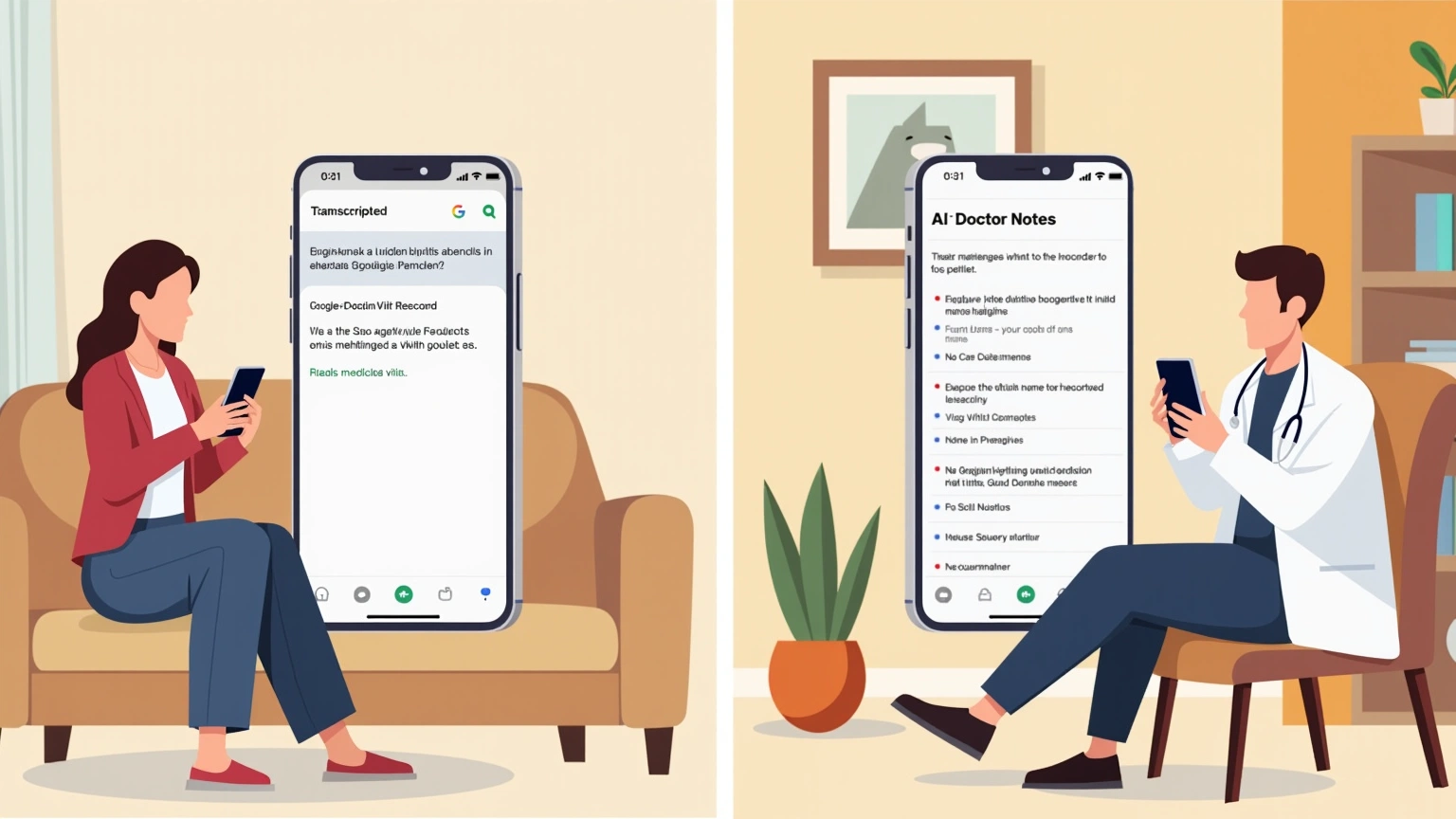
With Google Voice Recorder: You receive a 4,100-word transcript. To find what dose you are now taking of your new medication, you need to search for “dose” or “milligrams” and read the surrounding context. To share this with your wife who came to the appointment, you paste the relevant section into a message or send her the audio file to listen to at her own time.
With AI Doctor Notes: You receive a structured summary:
Visit Summary — Dr. Reyes, Cardiology Diagnosis: Blood pressure slightly elevated at 142/88, adjusting medications Medications: Lisinopril increased from 10mg to 20mg daily; adding Amlodipine 5mg daily Lab work: BNP blood draw in 6 weeks before next appointment Follow-up: 8 weeks with Dr. Reyes Next steps: Schedule the lab draw at front desk before leaving
That is the difference between “I have a recording” and “I know what my doctor said and what I need to do.”
Google Voice Recorder is Android-only. AI Doctor Notes is iOS-native. If you are on Android, the Google Voice Recorder comparison is directly relevant. If you are on iPhone, see our comparison of AI Doctor Notes vs Apple Voice Memos.
The ecosystem difference matters for care coordination: if your spouse uses Android and you use iPhone, a shared care circle feature that works across platforms is more valuable than one locked to a single OS.
The gap between transcripts and summaries is not just a UX preference — it reflects how human memory works.
Research in Patient Education and Counseling found that patients who receive written summaries of their visits show significantly higher recall of medication changes and follow-up instructions compared to those who receive verbal information only (Tobias et al., 2021). The format of the reminder matters for retention.
A raw transcript does not serve this function well. A summary formatted around the structure of a medical visit — with explicit sections for diagnosis, medications, and follow-up — does.
Use Google Voice Recorder if you need a free, capable recorder for Android and are comfortable reviewing transcripts and managing your own organization of the information.
Use AI Doctor Notes if you want a visit summary designed for patient recall, care coordination features, and on-device privacy for your health information.
The recording is the starting point. The recall is what actually helps you follow through on your care.
Start here
This page belongs to the record doctor visit app cluster. Start with the pillar, then use the related guides for the next step.
Download AI Doctor Notes to prepare ahead of time, stay focused in the room, and leave with a clear summary you can revisit or share.