Visiting the doctor can be overwhelming. Between understanding a diagnosis, remembering medication dosages, and processing next steps, the sheer volume of information shared in a typical 15–20 minute appointment is staggering. Research shows that 40–80% of medical information provided during a consultation is forgotten immediately by patients — and nearly half of what is remembered is misremembered. A Brown University study found that patients only retain about 49% of the decisions and recommendations made during a typical appointment.
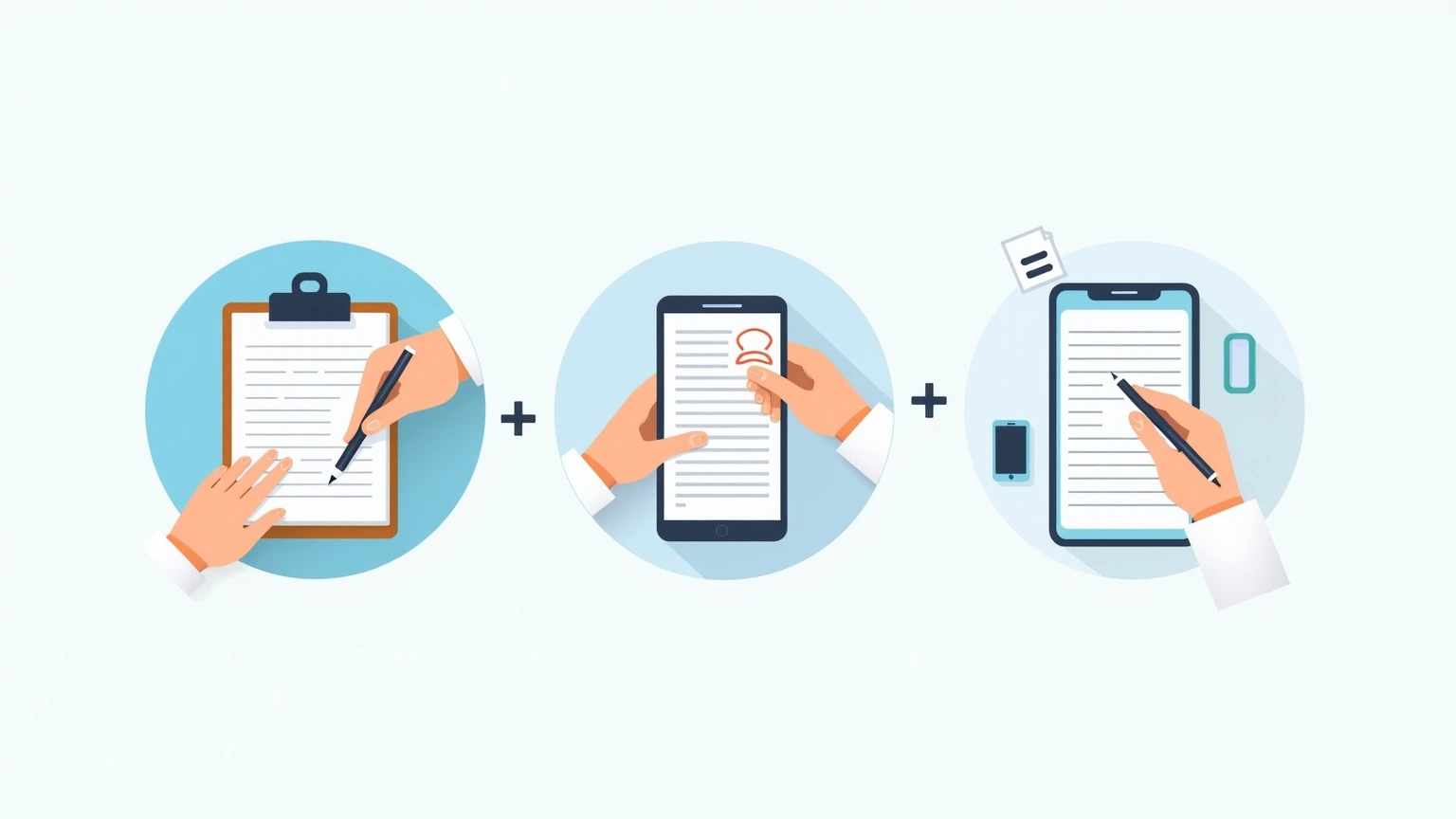
This raises a practical question: what’s the best way to capture what your doctor tells you? Three main approaches dominate: the classic pen and paper, typing notes into your phone, and the newer category of AI-generated summaries. Each has genuine strengths and real limitations. Here’s an honest comparison.
For decades, patients brought notebooks to appointments and scribbled down key points. The appeal is clear — no batteries required, no learning curve, and some people find that writing by hand helps them retain information better. There’s also no smartphone distracting you from the conversation.
The drawbacks are significant, though. Handwriting is slow. You can’t write as fast as your doctor speaks, which means you’re constantly catching up and missing things. Notes taken in the moment often become illegible shorthand — a jumble of half-words and arrows that makes sense only in the context of that specific appointment. And when you revisit those notes days or weeks later, the meaning can evaporate.
Searchability is another problem. Good luck finding “that note about my blood pressure medication from February” in a stack of crumpled papers.
Many patients now open a notes app during their appointment and type what they hear. This is faster than handwriting, and the resulting text is searchable. You can easily copy and share notes with family members or caretakers via text or email.
The downside is subtler but real. Typing creates a barrier between you and the conversation. Your eyes are on the screen more than on your doctor, which can feel rude and — more importantly — makes you less present in the dialogue. You also can’t draw diagrams, circle warnings, or annotate freely the way you can on paper. And like handwritten notes, phone typing is still essentially transcription: you’re capturing fragments of speech without structure or context.
A newer approach, AI Doctor Notes listens to your appointment (with your permission) and generates a structured, readable summary afterward — covering diagnoses discussed, medications mentioned, action items, and follow-up recommendations.
This sidesteps several problems. You’re fully present during the appointment since you’re not frantically typing. The output is organized, clear, and written in plain language. Most tools let you review and edit the summary before it’s finalized.
The tradeoffs are worth acknowledging: you need to be comfortable with the technology, and trust that the AI accurately captured what was said. Privacy considerations matter too — your health information is sensitive, and not every AI tool handles data with the same level of care. There’s also the risk of over-relying on AI summaries without verifying them against your actual conversation.
| Dimension | Pen & Paper | Typing on Phone | AI-Generated Summary |
|---|---|---|---|
| Speed during appointment | Slow — can’t keep up with spoken dialogue | Moderate — faster than handwriting, but still distracting | Fast — just participate naturally; summary generated afterward |
| Accuracy of capture | Low to moderate — fragments get missed | Moderate — captures more, but quality varies with typing speed | High — full conversation recorded and transcribed |
| Readability later | Often poor — shorthand becomes confusing | Good — typed text is clear | Excellent — structured summaries in plain language |
| Searchability | None | Moderate — can search within notes app | High — structured output easy to scan and reference |
| Distraction factor | Low — eye contact maintained | High — screen time pulls attention from doctor | Low — no device use during appointment |
| Ability to share with others | Difficult — photo of notes or rewriting required | Easy — copy, paste, text, or email | Very easy — shareable formatted summary |
| Cost | Low — just a notebook and pen | Free to low — most phones have free notes apps | Varies — some tools free, some subscription |
| Privacy control | Maximum — nothing leaves your possession | High — you control where data lives | Depends on tool — verify the provider’s data policy |
There’s no single right answer. The best method depends on your comfort level, the complexity of your appointment, and how you personally process information.
Pen and paper still makes sense for simple visits — a quick check-in where you know you’ll only need to remember one or two things. It’s low-tech and reliable.
Phone typing works well if you’re disciplined about staying engaged with your doctor despite the screen. It’s a good middle ground for moderate-complexity visits.
AI-generated summaries shine for complex appointments: specialist visits, chronic condition management, visits involving multiple medications, or any time you’re worried you might miss something important. They’re also invaluable for caregivers managing someone else’s healthcare or for people who simply find medical jargon hard to process in real time.
If you’ve ever left a doctor’s office realizing you couldn’t remember the name of the new medication they mentioned, or you’ve had to call the office back to clarify instructions — consider trying a different approach next time. The method you choose should reduce your post-appointment anxiety, not add to it.
For many people, AI-generated summaries offer the best combination of full capture, readability, and peace of mind. But even if you stick with pen and paper, the important thing is to have some system. A bad system beats no system when it comes to managing your health.
Ready to try a better way to remember your doctor visits? AI Doctor Notes captures clear, structured summaries of your appointments so you never have to rely on fuzzy memory or cryptic shorthand again. Sign up and take the stress out of follow-up.
Start here
This page belongs to the doctor visit notes app cluster. Start with the pillar, then use the related guides for the next step.
Download AI Doctor Notes to prepare ahead of time, stay focused in the room, and leave with a clear summary you can revisit or share.