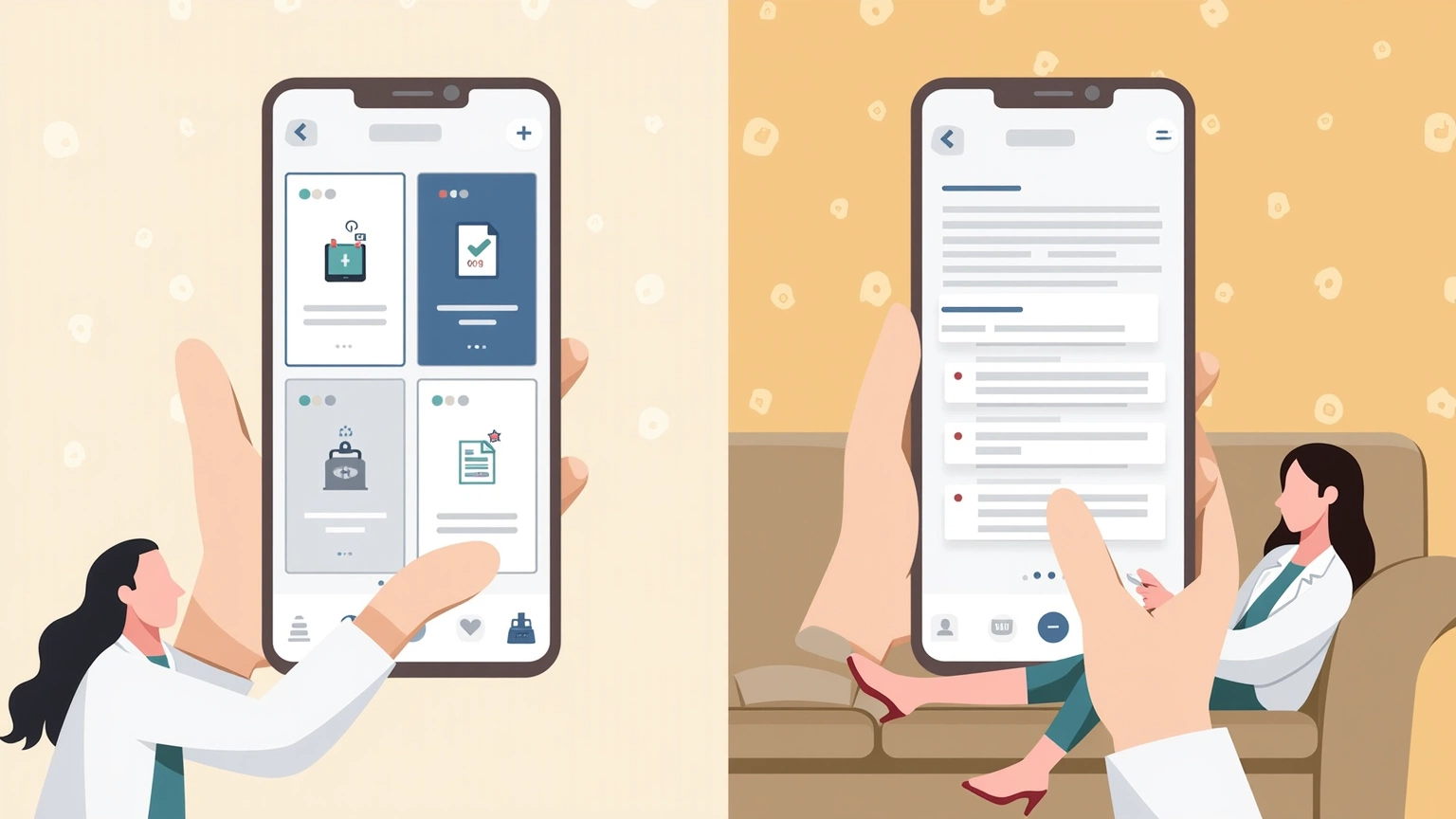
MyChart and AI Doctor Notes both produce visit summaries, but they work differently and serve different purposes.
MyChart generates a summary from the doctor’s electronic health record (EHR) after the visit. It typically includes diagnosis codes, procedure codes, and boilerplate instructions pulled from the EHR system. It reflects what was documented in the medical record.
AI Doctor Notes captures what was actually said during the appointment — the conversation, the doctor’s explanations, the questions answered in real time, the specific instructions given verbally. It reflects the actual visit, not the EHR documentation.
MyChart tells you what the doctor documented. AI Doctor Notes tells you what the doctor said.
Both are useful, and for many patients, both are worth using.
MyChart, powered primarily by Epic Systems, is the dominant patient portal in US healthcare. As of 2025, Epic reports MyChart usage by over 150 million patients across thousands of healthcare facilities. If you have been seen at a large hospital system in the US, you almost certainly have a MyChart account.
MyChart’s strengths include:
The ability to see lab results before your doctor calls is genuinely useful for engaged patients who want to understand their numbers. The messaging feature lets you ask clarifying questions without a phone call.
MyChart summaries are generated after the visit, from EHR documentation. They do not capture the conversation as it happened.
EHR documentation is designed for clinical record-keeping, billing, and legal protection. It is not optimized for patient recall. Visit summaries in MyChart often contain:
A study in JAMIA examining patient comprehension of EHR notes found that 73% of patients reported difficulty understanding clinical documentation in their visit notes, with diagnosis codes and abbreviations being the primary barriers (Lee et al., 2022).
MyChart’s after-visit instructions are often written for the medical record, not for the patient. They may say:
“Follow up in 4 weeks. Continue Lisinopril 10mg daily. Return if symptoms worsen.”
AI Doctor Notes’ summary for the same visit might read:
Visit Summary — Dr. Martinez, Internal Medicine Diagnosis: Blood pressure still elevated at 148/92 Plan: Your Lisinopril dose is staying at 10mg daily for now. We will recheck at your follow-up in 4 weeks. If you get severe headaches, dizziness, or nosebleeds before then, call the office or go to urgent care. Next steps: Schedule your follow-up at the front desk before leaving. Check your blood pressure at home every morning and log it in Apple Health if you can.
The AI Doctor Notes version answers the patient’s actual question: “What did my doctor say, what do I do, and when do I worry?”
MyChart cannot record your appointment. If your doctor explained something verbally, drew a diagram, or answered a question in a way that was more helpful than what appears in the EHR note, that richer explanation is not captured anywhere.
MyChart has a patient-facing sharing feature, but it is designed around clinical data sharing (for continuing care between providers), not care coordination (sharing a visit summary with a family member who helped manage your appointment).
MyChart does not help you prepare questions before the visit. AI Doctor Notes’ preparation features help you arrive with clear questions, which improves the quality of the information you receive.
| Feature | AI Doctor Notes | MyChart |
|---|---|---|
| Primary purpose | Visit capture and recall | Patient portal / EHR access |
| Real-time recording | Yes | No |
| Visit summary | Generated during visit | Generated from EHR after visit |
| Summary language | Plain, patient-facing | Clinical / EHR-formatted |
| Lab results | No | Yes |
| Medication management | Context (what doctor said) | Full medication list |
| Appointment scheduling | No | Yes |
| Provider messaging | No | Yes |
| Care circle sharing | Yes | Limited |
| Visit preparation | Yes | No |
| Platform | iOS-native | Web + iOS + Android |
| Cost | Free with IAP | Free (through your provider) |
You have Type 2 diabetes and see your endocrinologist every three months. At your last visit, your A1c was 7.8 — up from 7.2 at your last visit. Your doctor spent 10 minutes explaining why your medication regimen needed to change, what dietary adjustments to make, and what numbers to watch for.
With MyChart: Your after-visit summary is available within a few hours. It includes:
“Type 2 diabetes mellitus with uncontrolled glycemic control. A1c 7.8% (ref: <5.7%). Medication regimen: Metformin 1000mg BID, Glipizide 5mg daily. Discussed lifestyle modifications including carbohydrate restriction and increased physical activity. Will add Semaglutide 0.5mg weekly. Follow up in 3 months. Repeat A1c and BMP at next visit.”
This is clinically accurate. It is also not easy to read, does not explain why your numbers went up, and does not tell you what to do if you feel unwell before your follow-up.
With AI Doctor Notes: Your summary, generated immediately after the visit, reads:
Endocrinology Follow-Up — Dr. Patel Diagnosis: A1c went up from 7.2 to 7.8. Your diabetes is less controlled than last time. We are adjusting your medications. Medication changes: Starting Semaglutide (Ozempic) 0.5mg injection once a week. Your Metformin and Glipizide stay the same. Pick up the prescription at your pharmacy — it may need a prior authorization, which the office will send today. Diet: Dr. Patel recommends reducing carbohydrates to about 45g per meal. She gave you a printed reference card. What to watch for: Semaglutide can cause nausea, especially the first few weeks. Call the office if you cannot keep food down. Follow-up: 3 months with Dr. Patel. Lab work (A1c + BMP) 2 weeks before next visit.
The MyChart version documents what happened. The AI Doctor Notes version tells you what it means for you and what you need to do next.
MyChart summaries are typically available hours after your appointment — sometimes the next day, depending on your provider’s documentation speed. If you want to review your visit summary on the drive home from the appointment, MyChart may not have it ready yet.
AI Doctor Notes generates the summary immediately after the recording, while you are still in the parking lot or on the way home. The information is fresh and actionable when you need it most.
MyChart may be sufficient if:
AI Doctor Notes adds something MyChart cannot provide when:
MyChart is a window into your medical record. AI Doctor Notes is a capture tool for the visit itself.
Your medical record tells you what your providers documented. Your visit recording tells you what they actually said. These are related but not identical — the documentation is a clinical artifact, not a conversation summary.
Both are useful. For many patients, the ideal workflow uses MyChart for lab results, prescription management, and ongoing provider communication, and AI Doctor Notes for capturing the actual visit conversation in plain language.
Start here
This page belongs to the doctor visit notes app cluster. Start with the pillar, then use the related guides for the next step.
Download AI Doctor Notes to prepare ahead of time, stay focused in the room, and leave with a clear summary you can revisit or share.