Bear Notes is a well-designed iOS notes app with a strong feature set — markdown support, tagging, cross-device sync, and a clean interface. If you are managing information you already have, it is a solid choice.
The challenge with Bear Notes for medical visits is that it is a note-taking app, not a visit-capture tool. You open Bear Notes and type or paste information into it. For doctor visits, that means you are trying to type while the doctor is talking, or you are relying on memory to fill in details afterward.
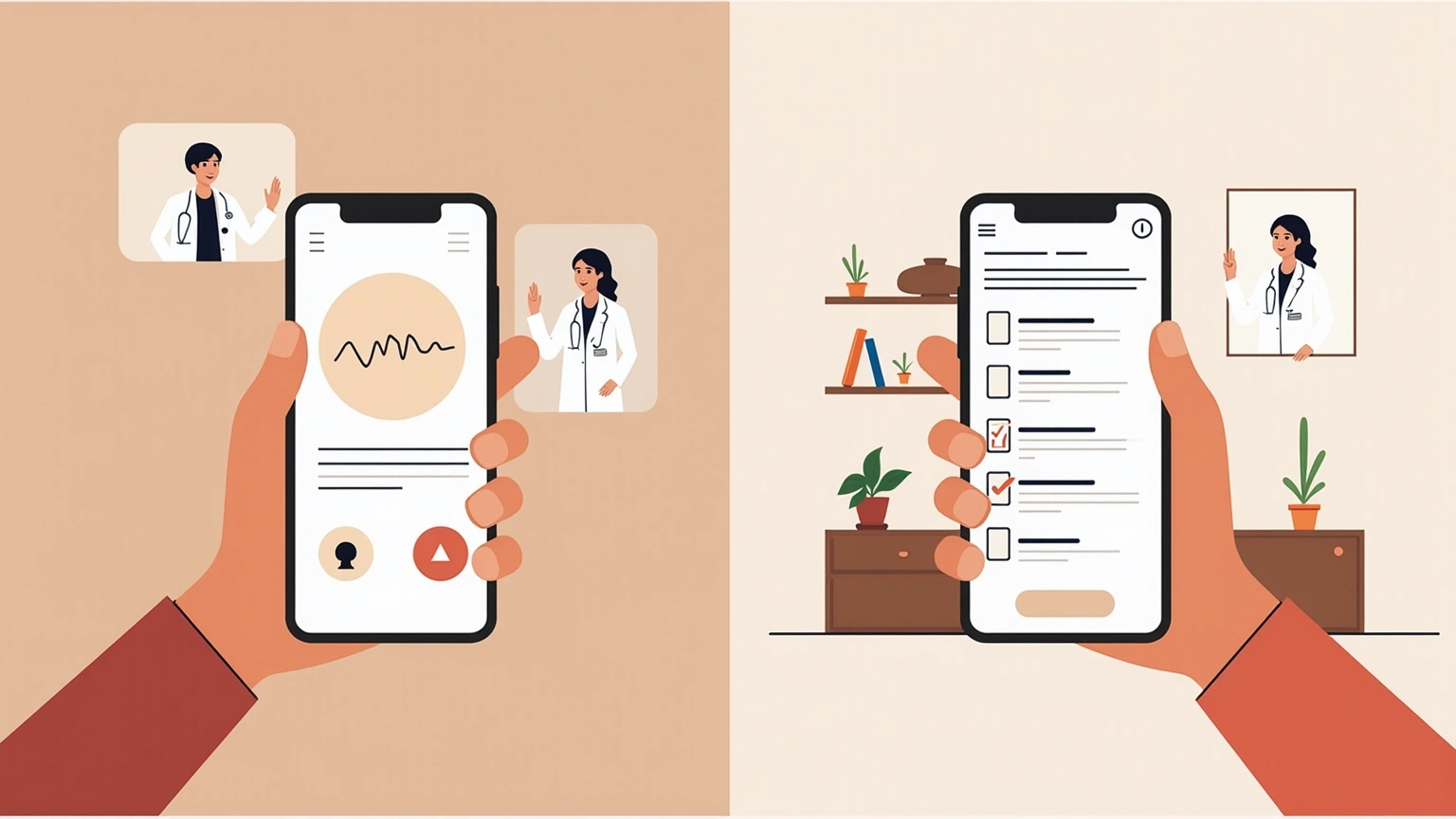
AI Doctor Notes records the appointment and generates a structured summary automatically. You do not type during the visit — you listen, and the app captures what was said and presents it in a format designed for recall afterward.
The difference is between a blank document you fill in and a tool that produces the output you actually need.
Bear Notes has a genuinely good design. The markdown support makes it flexible for different note types. The tagging system lets you organize notes across multiple topics. The cross-device sync (with a subscription) keeps your notes accessible. If you are someone who already uses Bear Notes for all your information management, keeping medical notes there has a real workflow coherence.
The tagging and search features are particularly strong. If you are managing care across multiple specialists and want all cardiology notes tagged together, Bear Notes handles that well. The app’s export options also mean you can move your data if needed.
For patients who see multiple specialists and want a centralized, searchable record of all their health information, Bear Notes can serve as a manual organization layer — if you take the time to enter information after each visit.
A 20-minute doctor visit contains 3,000–5,000 words of conversation. Typing or writing notes in Bear Notes during the appointment is not realistic. Most people capture fragments — a few key words, a medication name, the word “follow-up” — and fill in the rest from memory afterward.
The problem is that recall after a medical appointment is poor. Research consistently shows that patients forget the majority of what they hear during consultations. A study in BMJ Open found that patients remember as little as 40% of what they are told, with recall declining sharply for verbal instructions and complex explanations (Kessels, 2003). If you are relying on fragments typed during the visit plus memory, you are starting from a significant deficit.
Bear Notes has no audio capture capability. You cannot record your doctor visit within the app. You cannot generate a transcript. You cannot produce a summary.
If you want a recording, you need a separate app. If you want a transcript, you need a transcription service. If you want a summary, you need to write it yourself. Bear Notes is the document you create from all those separate pieces — which means more apps, more steps, and more friction.
AI Doctor Notes integrates recording, transcription, and summary generation into one workflow.
Bear Notes is a general-purpose note-taking tool. It has no concept of what a doctor visit contains — chief complaint, diagnosis, treatment plan, medication changes, follow-up instructions. You can create that structure yourself, manually, in every note. Or you can use a tool that generates it automatically.
Bear Notes has no way to share visit information with family members or caregivers. If your spouse needs to know what your oncologist said at your appointment, you are forwarding a note you manually created, from memory, which may be incomplete or inaccurate.
AI Doctor Notes includes care circle sharing so you can send a complete visit summary to the people involved in your care.
| Feature | AI Doctor Notes | Bear Notes |
|---|---|---|
| Primary purpose | Capturing doctor visits | General note-taking |
| Audio recording | Yes, built-in | No |
| Transcription | Yes, automatic | No |
| Visit summary | Yes, automatic | No |
| Medical visit structure | Yes | No |
| Care circle sharing | Yes | No |
| On-device processing | Yes | Partial (cloud sync with subscription) |
| Tagging and organization | Limited to visit notes | Full system |
| Cross-device sync | App data only | Full notes sync |
| Platform | iOS-native | iOS + macOS (subscription) |
You have Type 2 diabetes and see an endocrinologist, a cardiologist, and your primary care physician. You also have quarterly lab work.
With Bear Notes: After each appointment, you manually create a note. You try to remember what the doctor said. You tag it with the doctor’s name and condition. Over time, you have a searchable archive. But the quality of each note depends entirely on how much you remembered to capture during or immediately after the visit. Medication doses might be approximate. Follow-up instructions might be incomplete.
With AI Doctor Notes: After each appointment, you have a structured summary ready to read and share. Your endocrinologist visit generates a summary. Your cardiology follow-up generates a separate one. You can save them to Bear Notes if you want the organization and tagging system — but the content of those notes is complete and accurate because it came from a recording, not memory.
The practical workflow for a chronic condition patient could be: record with AI Doctor Notes, get a complete summary, paste or save that summary into Bear Notes for long-term organization and tagging. Each tool doing what it does best.
Bear Notes makes sense as a health information organizer when:
Bear Notes is a good tool for information you already have. It is not a good tool for capturing information in real time during a medical appointment.
AI Doctor Notes is purpose-built for the gap between what doctors say and what patients remember. It makes sense when:
Bear Notes is a better note-taking app than AI Doctor Notes in the traditional sense. It has better organization, better cross-platform sync, better export options, and a more mature feature set for general-purpose notes.
But Bear Notes was designed to help you collect and organize information you already have. AI Doctor Notes was designed to capture information you do not have — what your doctor said during the 20 minutes you were in the examination room.
The goal is not to take better notes. The goal is to remember what your doctor told you. Those are different problems, and they need different tools.
Start here
This page belongs to the doctor visit notes app cluster. Start with the pillar, then use the related guides for the next step.
Download AI Doctor Notes to prepare ahead of time, stay focused in the room, and leave with a clear summary you can revisit or share.